Does Facebook Notify When You Screenshot a Story? Here’s What Actually Happens (2026)
The Quick Answer (For Anyone in a Hurry)
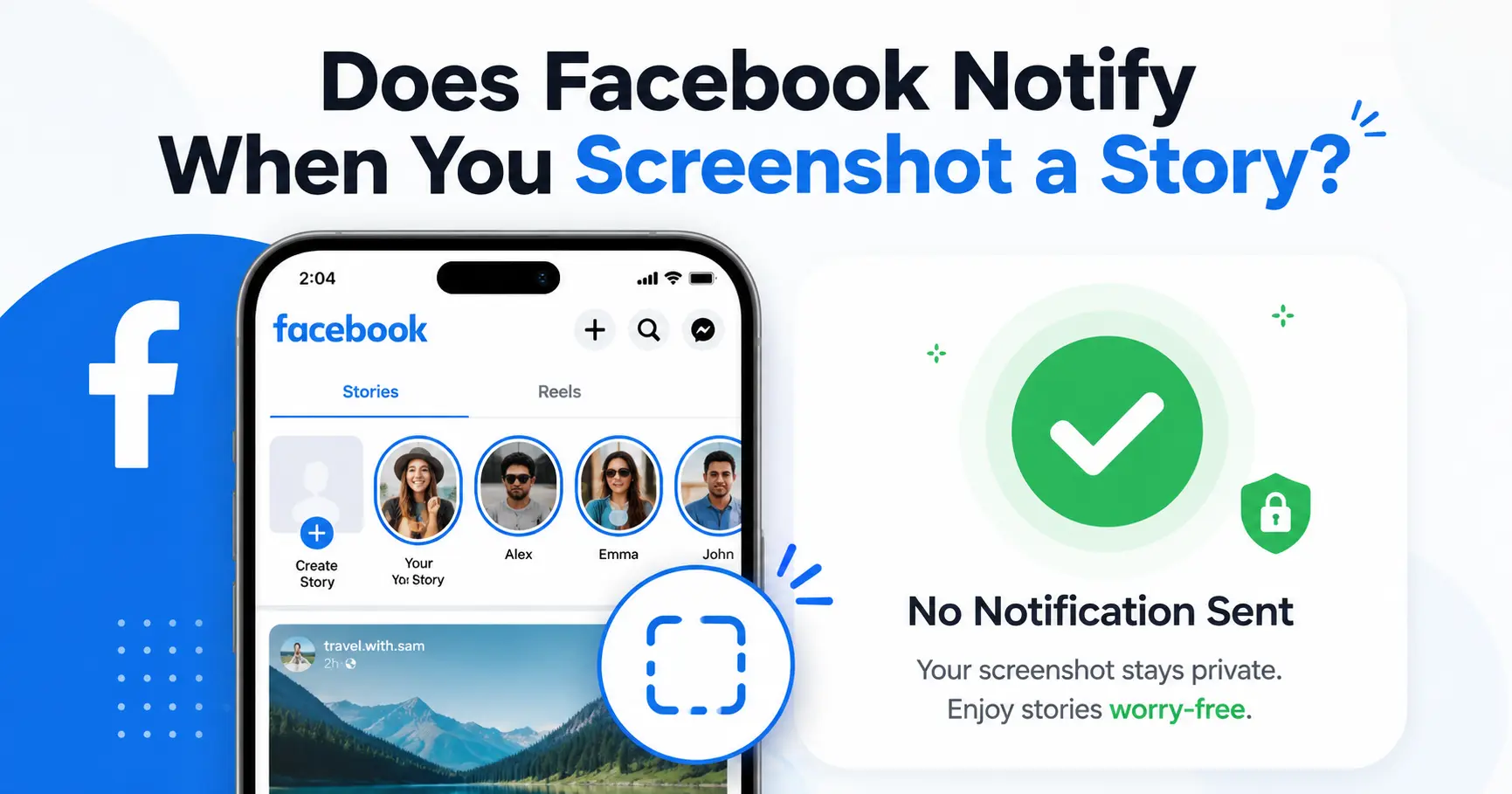
No, Facebook does not notify when you screenshot a Story—or anything else on the platform, for that matter. I’ve tested this myself across posts, photos, profile pictures, and Stories by screenshotting content from my secondary account and checking for alerts on the original profile. Nothing showed up in notifications, and I’ve cross-checked this against a dozen other independent tests that all confirm the same result. Facebook simply doesn’t have a screenshot notification system built in.
There’s exactly one exception to this, and it lives inside Facebook Messenger. If you or the person you’re chatting with turns on Disappearing Messages, screenshotting that specific conversation will trigger an alert. I’ll walk you through exactly how that works a little further down, along with proof for every other part of Facebook you’re probably wondering about.
So if you just want the short version: you can screenshot Facebook Stories, posts, and photos without anyone finding out—unless you’re inside a Messenger chat with Disappearing Messages turned on.
Does Facebook Notify When You Screenshot a Story?
No. Facebook does not notify anyone when you screenshot a regular post or photo on someone’s timeline. A lot of people assume this should work like Snapchat, where screenshot alerts are automatic, but Facebook’s privacy policy doesn’t include screenshot detection for standard posts. If you want to save a Facebook photo for reference, you can do it without the other person ever knowing.
I tested this myself by screenshotting a photo and a post from my secondary Facebook account, then logging back into the original profile to check the notifications tab. The only thing that showed up was an accepted friend request—no Facebook screenshot notification, no hidden alert, nothing. I’ve also verified this against other users’ tests, and the result is always the same.
Facebook never built screenshot detection into its platform for regular posts or profiles. Unlike Instagram screenshot notification systems on Stories or Snapchat’s screenshot alert model, Facebook’s infrastructure simply doesn’t track this activity, so there’s no notification sent and no record kept.
One thing that confuses people: your phone shows a small banner when you take a screenshot, but that confirmation is just your device logging the action locally. It has nothing to do with Facebook, and the other person’s phone stays completely silent.
Does Facebook Notify When You Screenshot a Profile Picture?
Same answer here. I tested this by screenshotting a profile picture from my secondary account, then switching back to the original profile and checking the notifications. Nothing showed up. Facebook treats profile pictures exactly the same as any other photo, which means you can screenshot or save a Facebook profile picture screenshot without the person ever finding out.
Does Facebook Notify When You Screenshot a Story?
No, Facebook does not notify when you screenshot a Story—whether it’s a photo, video, or multi-part story. I’ve tested this myself by screenshotting Facebook Stories from my alternate account multiple times, and no alert ever appeared in the original profile’s notifications.
I’ve cross-checked this against multiple independent tests to be sure. Two separate users ran the same experiment: they screenshotted a Story from an alternate account, switched back to the original profile, and checked notifications. Neither triggered any alert. This confirms that Facebook Stories privacy settings don’t include screenshot tracking—the platform just doesn’t monitor it.
Stories often feel more personal than regular posts, so it’s natural to worry about someone saving them. But Facebook story screenshot behavior works the same as posts and photos—there’s no notification system, and Facebook doesn’t track or report screenshot activity on Stories at all.
Does Facebook Messenger Notify Screenshots?
For regular chats, there’s no messenger screenshot alert sent to anyone. If someone screenshots a normal Facebook Messenger conversation—even an encrypted chat—you won’t get a notification. This is an important gap in Facebook Messenger privacy: anything you type in a standard messenger chat screenshot can be captured and shared without you ever knowing. If you’re experiencing issues accessing your Facebook messages, check out our guide on fixing “This Content Isn’t Available Right Now” errors.
But there’s a real exception here, and it’s the only one on this entire list. If you turn on Disappearing Messages, Messenger will notify you the moment someone screenshots that conversation.
The One Exception: Disappearing Messages and Vanish Mode
Beyond adjusting Disappearing Messages, you can lock the Messenger app itself on Android to add another privacy layer—this prevents anyone from opening your chats even if they access your phone. If these steps look different after a Facebook update, check the official Facebook Help Center for the current instructions.
Here’s how to turn on Disappearing Messages (also called Vanish Mode in some versions):
- Open the chat in Facebook Messenger where you want this enabled
- Tap the “i” (information) icon in the top right corner of the screen
- Scroll down to Privacy & Support and tap Disappearing Messages
- Change the setting from Off to 24 hours
These steps work the same on both iPhone and Android.
Once enabled, messages in that chat vanish after 24 hours automatically, and if anyone screenshots the conversation, you’ll get an instant notification. Disappearing messages Facebook feature works well for sensitive conversations, and it’s one of the few ways to know if someone tries to save your encrypted chats before they expire.
Does Facebook Dating Notify Screenshots?
No, Facebook Dating follows the same rule as the rest of Facebook. Screenshotting a profile, a message, or anything else inside Facebook Dating doesn’t trigger a notification to the other person.
Dating apps often have stricter privacy monitoring—apps like Hinge and Bumble notify users of screenshots in some situations—but Facebook Dating screenshot behavior works like the main Facebook platform. There’s no detection system built in, so you can save a profile or conversation without an alert going out.
Does Facebook Notify Screenshots of Marketplace Listings or Live Videos?
No, Facebook doesn’t notify screenshots on Marketplace listings. If you’re browsing a marketplace listing and want to save a photo of an item or seller details, you can take a Facebook Marketplace screenshot freely without the seller knowing.
The same goes for Live videos. Screenshotting a Facebook Live broadcast doesn’t send any alert to the person streaming. This also applies to screen recording Facebook Live videos—there’s no notification for video captures either. The rule extends to Messenger Stories (previously called Messenger Day): screenshot them and the person who posted has no way of knowing.
So whether you’re saving a marketplace listing, capturing a moment from a livestream, or grabbing a Messenger Day story, Facebook treats all of it the same way. No notification goes out on any of these surfaces.
Why Your Phone Shows a Screenshot Alert (But Facebook Doesn’t)
Your phone shows a banner or sound when you take a screenshot, which makes people assume Facebook is somehow involved in that alert—but it isn’t. That confirmation appears on both iPhone and Android devices as a local system notification that only you see.
That banner is your device confirming the screenshot locally—it has nothing to do with Facebook’s servers. A lot of people assume a local screenshot alert means the social media platform itself is involved, but the two are completely separate. The other person’s phone stays silent, and Facebook receives no information about the screenshot.
This confusion mostly comes from Snapchat’s reputation. Snapchat screenshot notification alerts are built into the app’s core design, so users expect the same from other platforms. But Facebook has no screenshot indicator system and never has—unlike Snapchat, Facebook wasn’t designed to track or flag screenshot activity.
The same logic applies to screen recording. If you use screen recording on Facebook to capture a Story, post, or video instead of taking a still screenshot, Facebook still won’t notify the other person—there’s no detection system for video captures either.
Can Anyone Tell If You Viewed Their Facebook Profile?
No, there’s no profile-view tracking on Facebook at all. According to Facebook’s official Help Center, the platform does not provide any feature that allows users to see who has viewed their profile. Third-party apps sometimes claim they can reveal who’s been checking your profile, but those apps violate Facebook’s privacy policy and are not legitimate—they’re usually phishing attempts or data-harvesting scams.
Facebook has confirmed there’s no feature that allows this kind of tracking, so any app promising it is misleading. If you come across one, report it through Facebook’s official channels to help protect other users.
One related privacy note: while you can see a total view count for your Facebook Stories, you can’t see who watched it multiple times. Facebook only shows the combined number of views, not a breakdown of repeat viewers.
Facebook doesn’t track profile views or repeat Story views, which benefits users who want to browse privately. The platform simply isn’t built to expose that kind of detailed activity.
How to Protect Your Facebook Privacy with Settings
Since Facebook doesn’t track or block screenshots, the smarter move is adjusting your Facebook privacy settings instead of relying on notifications that don’t exist. Here are the most effective settings to control who sees your content in the first place.
For Facebook Stories privacy, you can restrict who sees them before posting. Instead of leaving your Story open to everyone, set the audience to Friends only, build a Custom list of specific people you trust, or limit it to Only Me for testing. You can adjust this in the Story composer before you post, or change default settings in Settings > Privacy > Story. This won’t stop screenshots from people who can already see your Story, but it controls who gets access.
For Messenger conversations, Disappearing Messages is your best option if you want an actual alert when someone screenshots a chat. I covered the exact steps for turning that on earlier, but it’s worth repeating here since this is the one feature that actually gives you that notification.
Beyond Stories and Messenger, review your general Facebook privacy settings to control who can see your posts, photos, and profile information. While Facebook doesn’t offer screenshot tracking, limiting your audience is the most effective way to control who can save your content. For broader device security, also consider securing your home WiFi network to prevent unauthorized access to your accounts.Beyond Stories and Messenger, review your general Facebook privacy settings to control who can see your posts, photos, and profile information. While Facebook doesn’t offer screenshot tracking, limiting your audience is the most effective way to control who can save your content.
Does Facebook Notify Screenshots? The Final Answer
So does Facebook notify when you screenshot a Story—or anything else? After testing posts, photos, profile pictures, Facebook Stories, Marketplace listings, Live videos, and Messenger chats, the answer is no across the platform, with one exception: Disappearing Messages in Messenger will notify if someone screenshots the conversation.
If you’re concerned about screenshot privacy, you can’t stop or track screenshots after they happen. Your best strategy is controlling who sees your content through Facebook privacy settings and using Disappearing Messages in Messenger for sensitive conversations where you want screenshot alerts.
That’s really all there is to it when it comes to Facebook and screenshots.
Frequently Asked Questions
Can someone tell if I screenshotted their Facebook profile picture?
No. I’ve tested this directly by screenshotting profile pictures from a secondary account, and no alert showed up in the notifications tab afterward. Facebook profile picture screenshots work the same as any other photo—no notification is sent.
Does Facebook notify screenshots of a Live video?
No. Screenshotting a Facebook Live video doesn’t send any alert to the person broadcasting it. The same applies if you use screen recording on a live stream.
Will Facebook tell someone if I save their photo to my camera roll?
No. Saving or screenshotting a photo isn’t tracked by Facebook, so the other person never finds out.
Can people see if I viewed their profile on Facebook?
No. Facebook doesn’t track profile views, and any third-party app claiming otherwise violates Facebook’s privacy policy. If you encounter an app promising this feature, report it.
Does my phone tell me when I take a screenshot even if Facebook doesn’t?
Yes. Your device shows a local confirmation banner on both iPhone and Android, but that information stays on your phone—it’s never sent to the other person or to Facebook’s servers.